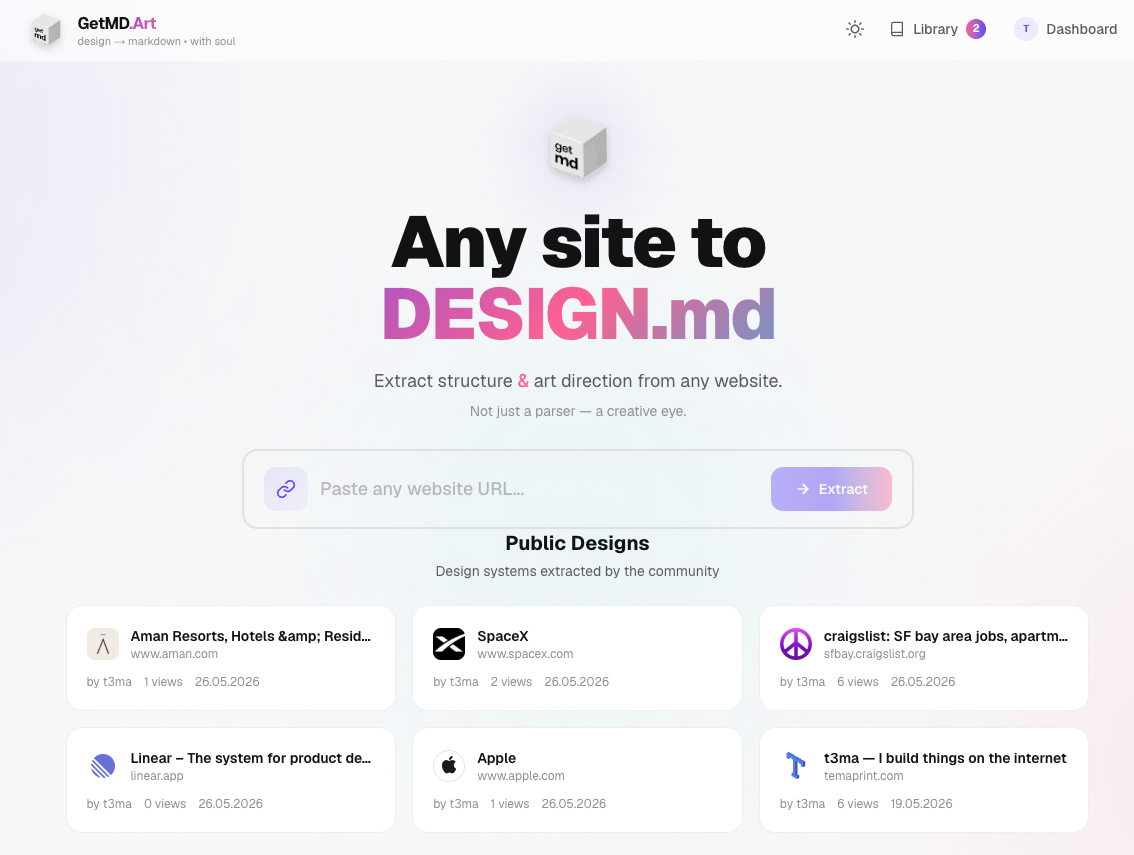
What Is It
getmd.art turns any website into a structured DESIGN.md file. Paste a URL, pick what to extract, and get a complete design system document that AI coding assistants can actually use. Not a screenshot, not a CSS dump — a real design spec.
How It Works
- Paste any website URL
- Choose extraction options (colors, typography, layout, components, etc.)
- Pick your AI target (Claude / ChatGPT / Cursor / Universal)
- Get your DESIGN.md — copy, save to library, or feed directly to AI
Features
- Design System — color palette, typography scale, font families, spacing grid
- Layout System — grid/flex strategy, container widths, responsive breakpoints
- UI Components — buttons, inputs, cards, navigation with styling details
- Page Sections — hero, pricing, forms, testimonials, FAQ structure
- UX Patterns — scrolling, navigation, modals, loading states, hover effects
- Copywriting & Tone — key headlines, voice characteristics, CTA style
- Art Direction — visual mood, emotional tone, style references
- AI Instructions — ready-to-use prompts for Claude, ChatGPT, Cursor, or any AI
- Library — save and revisit past extractions
- No sign-up — works instantly, no API keys needed
Tech Stack
- Next.js 16 — App Router, Server Components, API Routes
- Tailwind CSS v4 — custom design tokens, dark/light/system themes
- Cheerio — server-side HTML parsing and analysis
- Zustand — client state with localStorage persistence
- Docker — standalone production deployment
Why I Built It
Every time I wanted to recreate a design with AI, I’d describe it poorly or paste screenshots that didn’t capture the full picture. I needed a tool that extracts the actual design system — not just how it looks, but how it’s structured — and outputs it in a format AI can immediately work with.
Links
- Live site: getmd.art
- Source code: github.com/temaprint/getmd.art